
Authored by Loryn Lyle
When I roll out an AI chatbot for a medical practice, I like to start with the website. We train it, review the answers and build confidence in how it responds before expanding into other channels. One of the things I want to know early is what happens when someone says, “Can someone call me?”
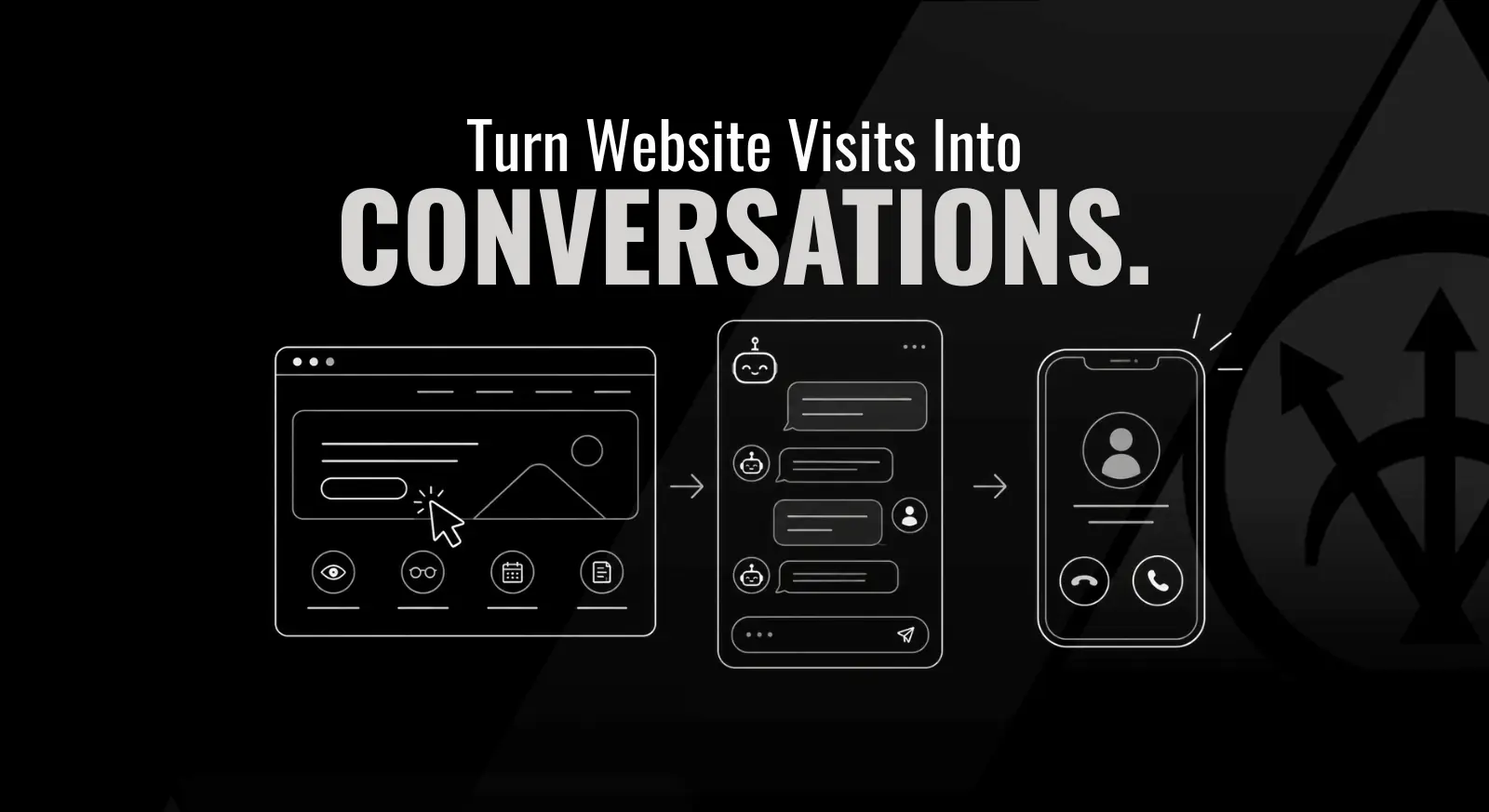
The short answer: a medical practice chatbot should have a clear path from a visitor’s question to a team member’s follow-up. Connecting it to your CRM can keep the conversation, contact details and callback request together. That connection needs testing, clear notifications and someone responsible for responding.
An AI chatbot gives people a way to ask routine questions when your team is busy or the office is closed. For an ophthalmology, aesthetic or health and wellness practice, the useful question is how that conversation helps someone take the next step with your team.
Follow the callback request all the way through
Imagine someone visits your ophthalmology website in the evening. They ask which location offers LASIK consultations, get an answer and then ask for a call. The chatbot says someone will be in touch.
Where does that request go? Can your team see what the visitor asked? Who gets notified? And does anyone know whether the call happened?
A separate chatbot inbox can leave your staff with another place to check. If the conversation stays there while contact details go somewhere else, someone has to connect the pieces. A notification email alone may still leave the request without an owner.
A connected workflow should let the person making the callback find the information they need without reconstructing the conversation. Before launching, walk through that whole process with the team that will use it.
What the CRM connection should do
A customer relationship management system, or CRM, helps your team organize inquiries and follow-up. For a website chatbot, I’d look for a setup that can:
- Save the visitor’s contact details with the conversation so staff can understand the request.
- Assign the callback to a specific team member or a clearly monitored queue.
- Notify the right person and provide a backup when they are unavailable.
- Show whether the request is waiting, being handled or completed.
- Pause or limit automated replies when a person takes over.
These are things to verify in your setup. Installing a chat bubble does not establish the workflow behind it.
For example, HighLevel’s Human Handover feature can assign a conversation, create a task and pause the bot. Staff notifications need to be enabled, and feature availability can depend on the account and configuration. A handoff also does not mean a person is available immediately. The message to the visitor should reflect your actual staffing and response window.
If you’re evaluating the broader system, our guide to what to look for in a medical practice CRM covers that bigger decision.
Start with the website and earn trust in the answers
My preference is to train and test the website chatbot first, then review actual conversations after launch. I want to see that it uses the practice’s approved information, recognizes its limits and sends requests to the right place.
Start with the questions your front desk hears regularly. For an aesthetic practice, that might be which office offers a particular service or how to request a consultation. For a wellness practice, it might be how to contact the team about a first visit. Use current, practice-approved answers and make someone responsible for updating them when services, providers or hours change.
Include questions the bot should hand over. It should not guess about someone’s treatment eligibility or give personalized medical advice. Make clear that visitors are talking with an automated assistant, and provide an obvious way to reach a person.
For a medical practice, agree on what information the chat may collect before launch. Keep intake limited to what the approved workflow needs, and have the practice’s privacy lead review the tool, access and data handling. A website chatbot should not invite people to share a detailed medical history in a general inquiry.
Then read the conversations. Where did the answer become unclear? Did the bot make a promise your team could not keep? Did a request for a person actually reach someone? Fix those gaps and test again. Consistency comes from maintaining the information and reviewing how the system uses it.
Expand to text and email once the first channel is reliable
Once the website bot is working reliably, I like to look at text and email within the same system. That can give your team a more connected view of the conversation as people move between channels.
Check the platform’s actual capabilities before planning that expansion. Some tools support website chat but have different options or limitations for text and email. Confirm which channels connect to the contact record, how replies are routed and what your team sees when someone switches channels.
Each new channel needs its own test. Review the wording, contact matching, notifications and handoff. Also review the practice’s permissions for messaging people through that channel. Someone asking for a callback should not automatically enter an unrelated marketing campaign.
I’d treat voice as a later step with separate training and testing. A bot that handles written questions well still needs to be checked in a spoken conversation, including how it handles interruptions, misunderstood details and requests for a person.
A practical chatbot handoff checklist
Before you turn it on, coordinate a test with your team using clearly labeled test information. Try a routine question, a question outside the bot’s scope and a direct request for a callback. Then check:
- Can the visitor tell they are speaking with an automated assistant?
- Does the bot use accurate, approved information without guessing?
- Does the callback request reach the correct contact record with enough conversation context?
- Is someone assigned to respond, with a backup for absences?
- Do the expected staff notifications actually arrive?
- Does the visitor receive a realistic explanation of when to expect a response?
- Can a team member take over without competing automated replies?
- Can the team record the follow-up and find requests that are still waiting?
Repeat the test after meaningful changes to the bot, staffing, notifications or connected channels. After launch, look at unanswered questions, waiting callback requests and the time between a request and a human response. A count of chatbot conversations alone will not tell you whether people received the help they asked for.
Common questions about medical practice chatbots
Can a chatbot help when the office is closed?
It can answer approved routine questions and capture a request while staff are unavailable, if configured to do so. Tell visitors when a person will respond. An automated reply should not imply that the practice is providing live support after hours.
Does a chatbot need to connect to the CRM?
A standalone bot can answer questions, but your team still needs a dependable way to receive and track requests. A CRM connection is useful when it brings the request, conversation and follow-up into the system your staff already monitors. Test what the integration actually passes through.
Should we launch website chat, text, email and voice together?
I prefer starting with the website, reviewing the answers and handoffs, then expanding as the practice gains confidence. Platform support, staffing and the results of testing should determine the next step. Voice needs its own preparation.
Give the conversation a clear next step
If you already have a chatbot, try asking it for a callback and follow that request through with your team. It’s a simple way to see whether the connection you expect is actually there.
If you’re considering one, talk with SILVR about your website chat and CRM workflow. We can help you plan the training, notifications and team handoff so someone who asks for help has a clear path to your practice.

About the author
Loryn Lyle is the founder of SILVR Agency and has more than 20 years of experience in digital marketing for medical practices. Her work includes SEO and AI search optimization, website user experience and CRM strategy.